ENVIRONMENT ART
You already know how to build environments. Now make them look professional: the detail, the story and the polish that studios hire for.
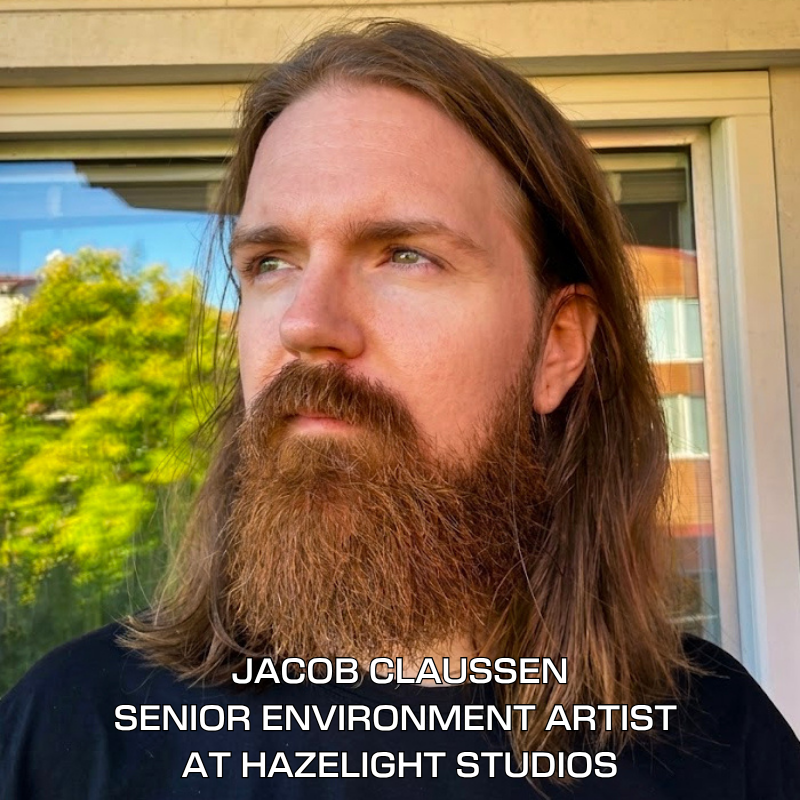
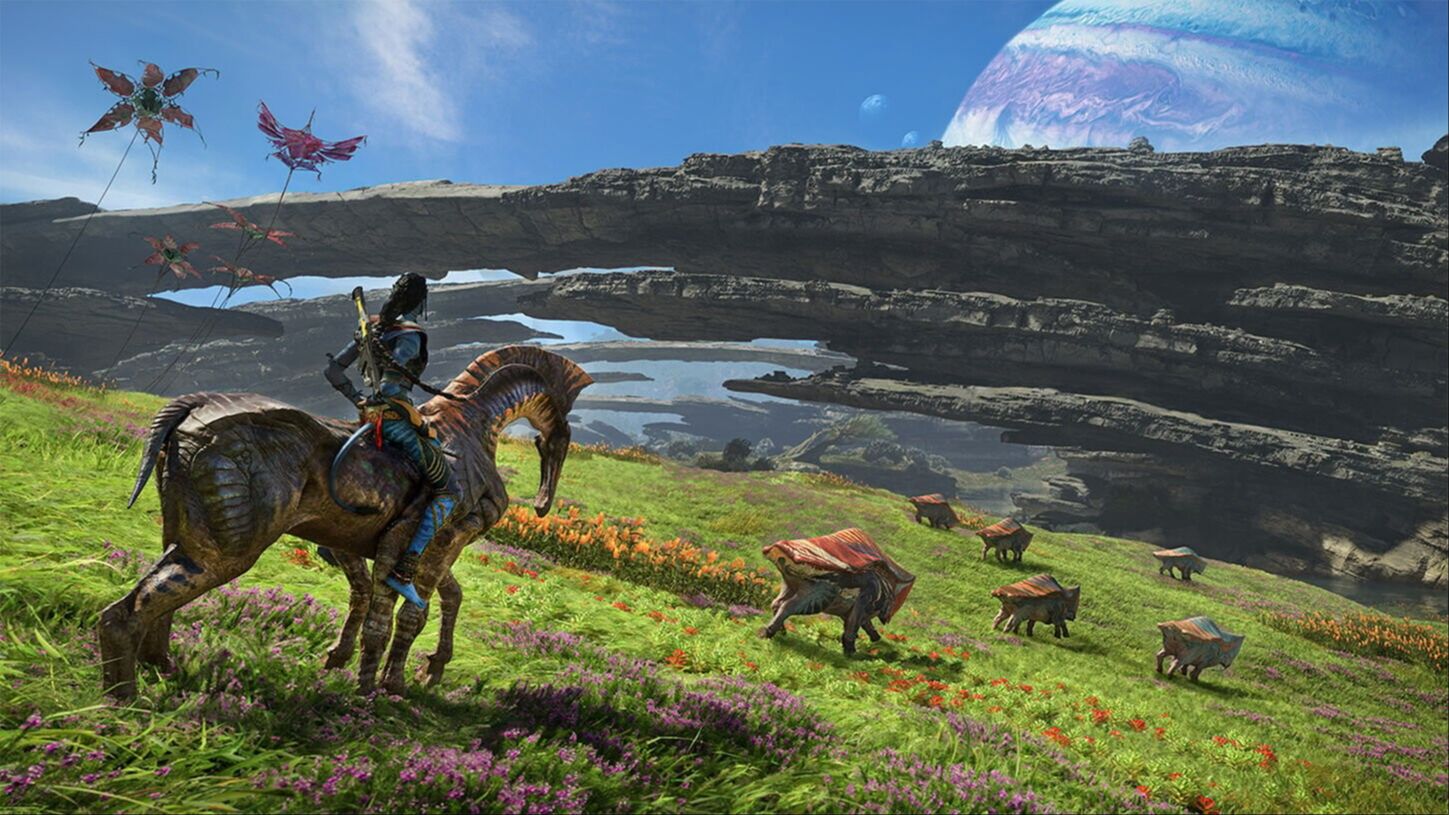
Jacob Claussen, an AAA artist on Avatar: Frontiers of Pandora, reviews your portfolio from day one and walks you through the full environment pipeline. In 14 weeks you'll finish a cinematic, portfolio-ready scene and a simulated art test.
This course is for you if...
YOU WANT TO LAND A JOB AS AN ENVIRONMENT ARTIST
You've built environments before, but they don't look studio-ready yet. Learn to scope, unify and polish your work so your portfolio stands out to recruiters.
YOU'RE A TECHNICAL ARTIST MOVING INTO ENVIRONMENTS
Put your technical skills to work on a polished scene, with a clear pipeline and AAA workflows that connect art and production.
YOU WANT ONE FLAGSHIP PORTFOLIO PIECE
You have the skills. Now finish a full, studio-quality environment, from blockout to a cinematic short, that shows your craft and taste.
Our students work at











From career-changer to working in the industry
Real outcomes from Vertex School students who started with little to no industry experience.
The fact that we get invaluable feedback from capable mentors is absolutely essential.
See Nicolas's work →
I got a job just two months after completing Vertex School.
See Julia's work →
Zero 3D experience before starting. Trey found Vertex through Google while looking for a professional change, and never looked back.
Read the story →
A hobby in 3D art grew into a calling. The leap from architecture to games paid off with work on one of the most recognized survival games in the world.
Read the story →
Train with an AAA artist who worked on Avatar: Frontiers of Pandora
Push your work past "good" to standout. Jacob shows you how studio artists make choices, so your scene gets you noticed by recruiters and helps you ask for higher pay.
Hands-on projects
Follow the full pipeline used by top studios: blockout, modeling and texturing, lighting, trims and decals, and cinematic shots. You finish one unique, polished environment.
Expert-led workshops
28 live sessions with Jacob, plus weekly art-director critiques. You'll also watch Jacob build a full scene from start to finish, so you see how an AAA pro handles every step.
A real studio art test
Complete a timed, simulated art test like the ones studios use to hire. Leave with a strong portfolio piece, the confidence to apply, and a connection with Jacob.
Jacob Claussenin
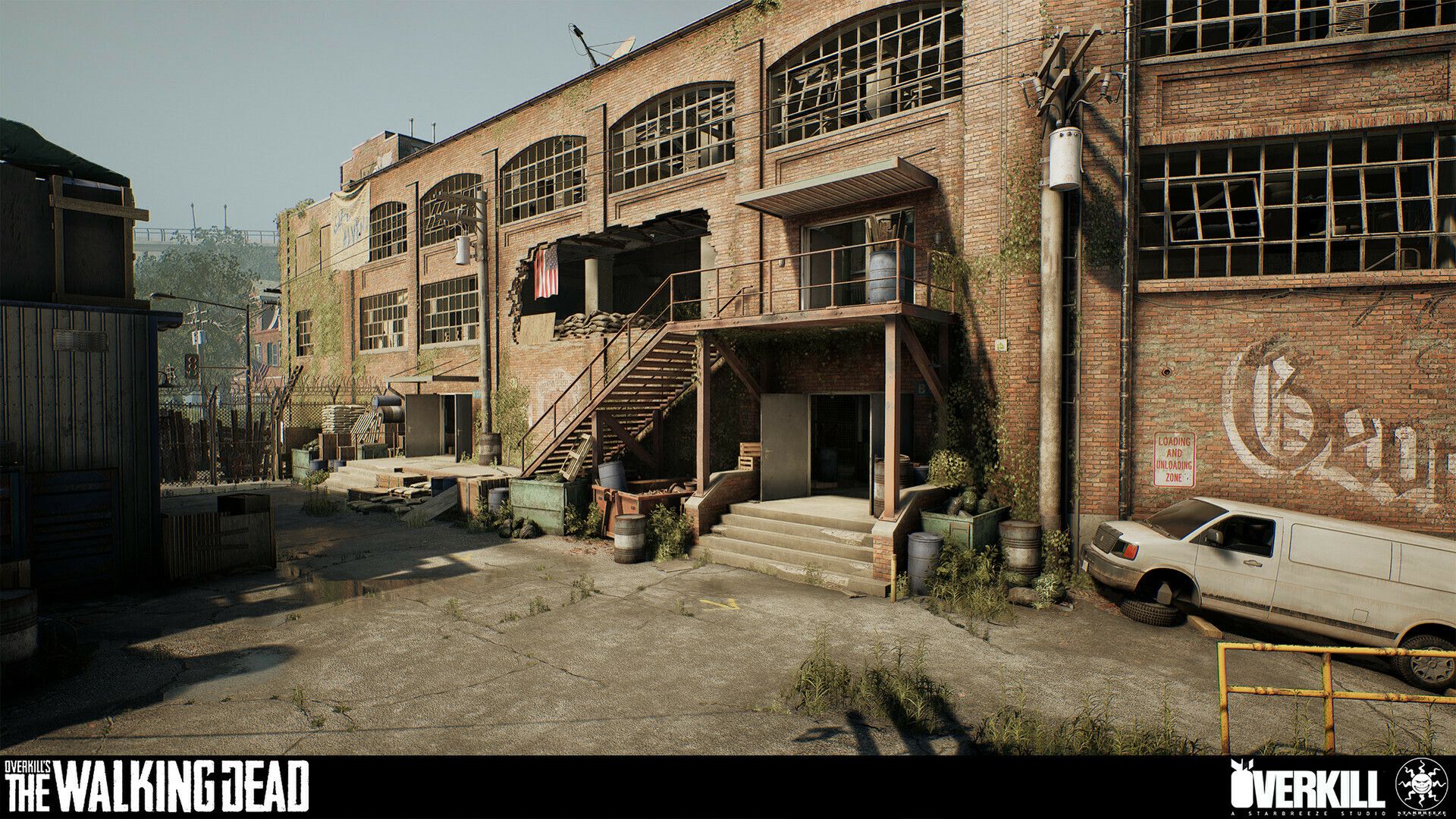
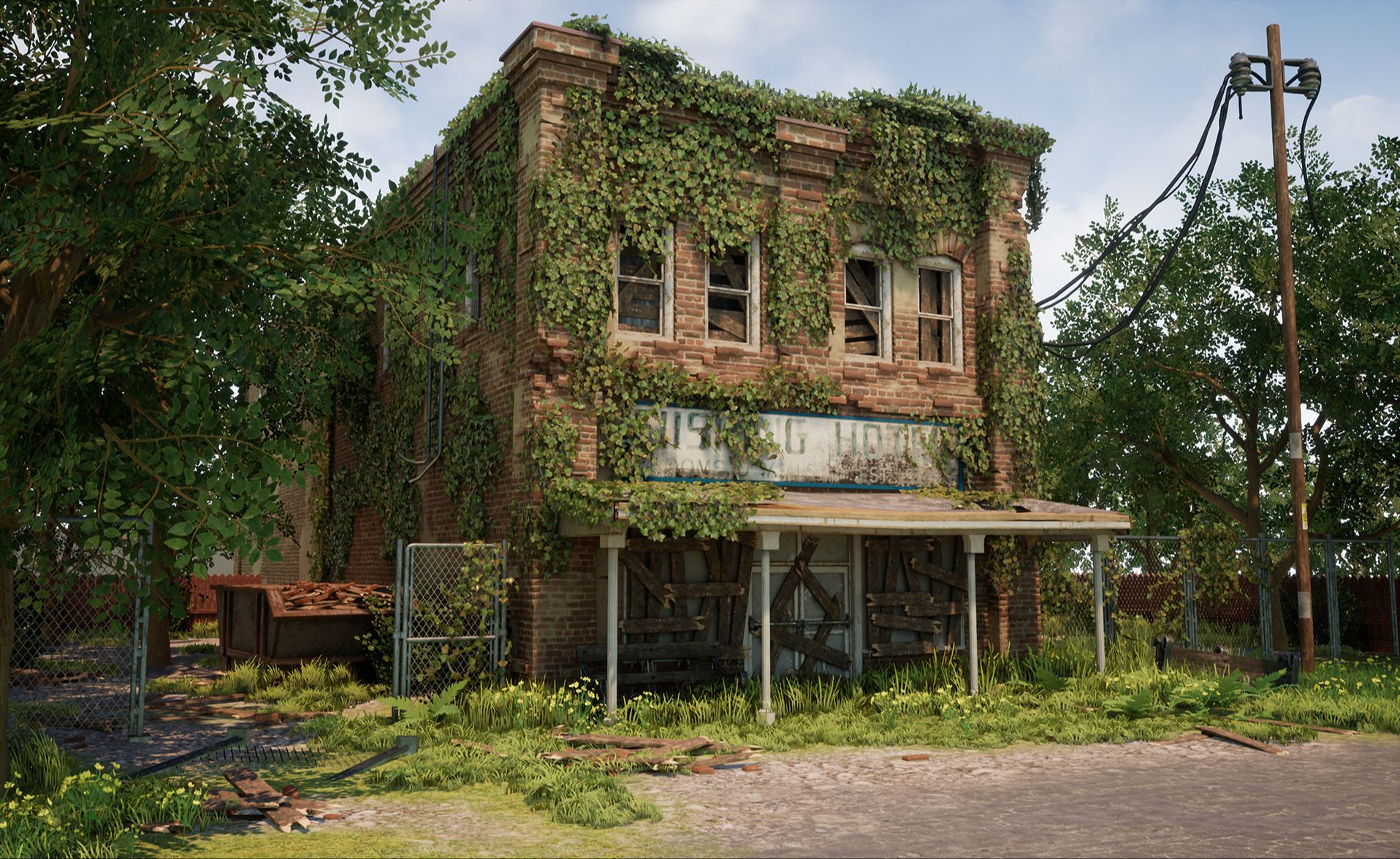
Jacob is a Sweden-based Environment Artist and Art Director with over a decade in games, from indie studios to AAA. He co-founded Tarhead Studio, then joined Starbreeze, where he worked on Overkill's The Walking Dead. At Ubisoft Stockholm he was a Vegetation Artist on Avatar: Frontiers of Pandora and worked on content for The Division 2.
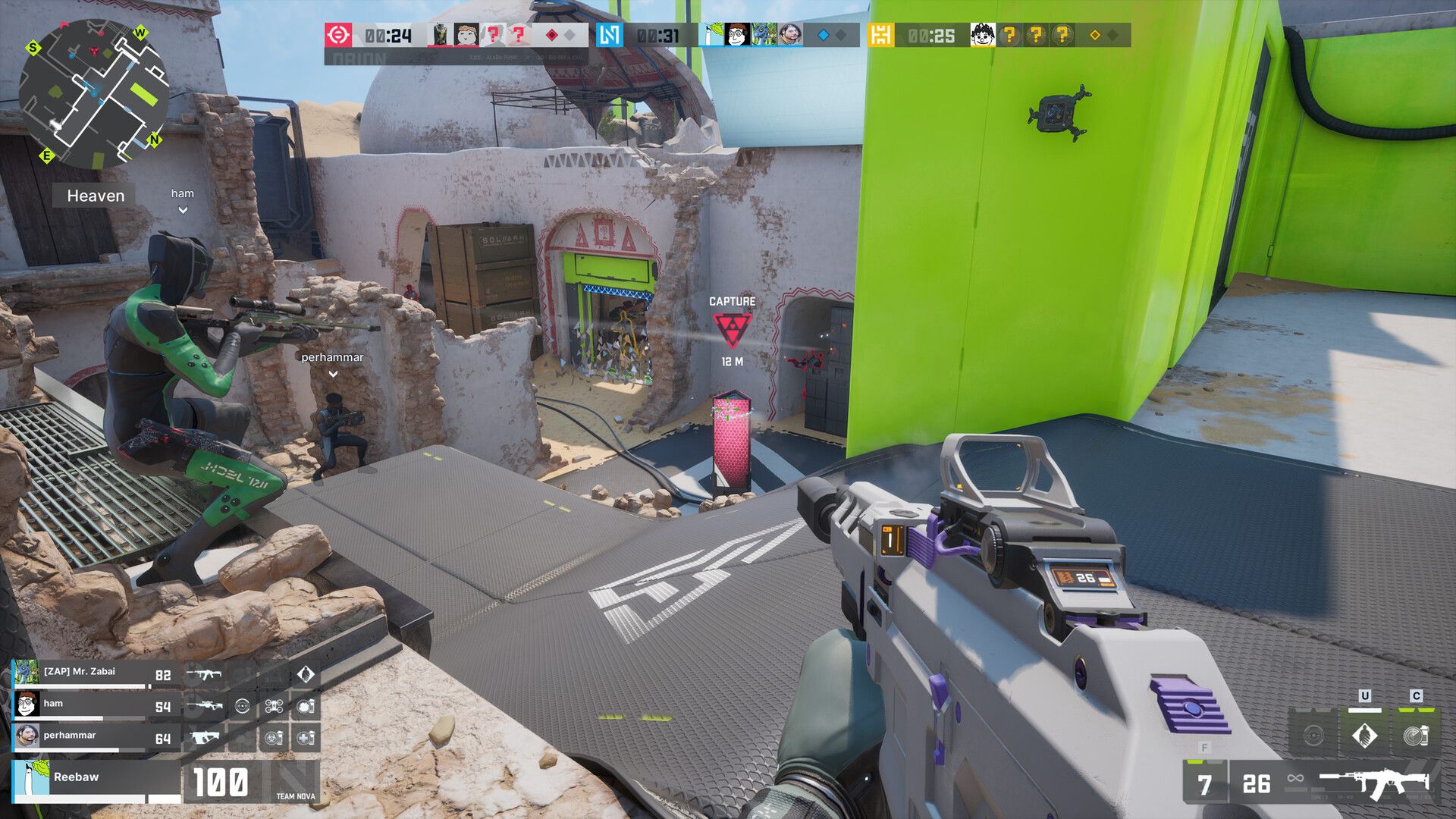
He then joined the new Fall Damage studio and helped build the competitive shooter Alara Prime, first as Lead Environment Artist and later as Art Director.
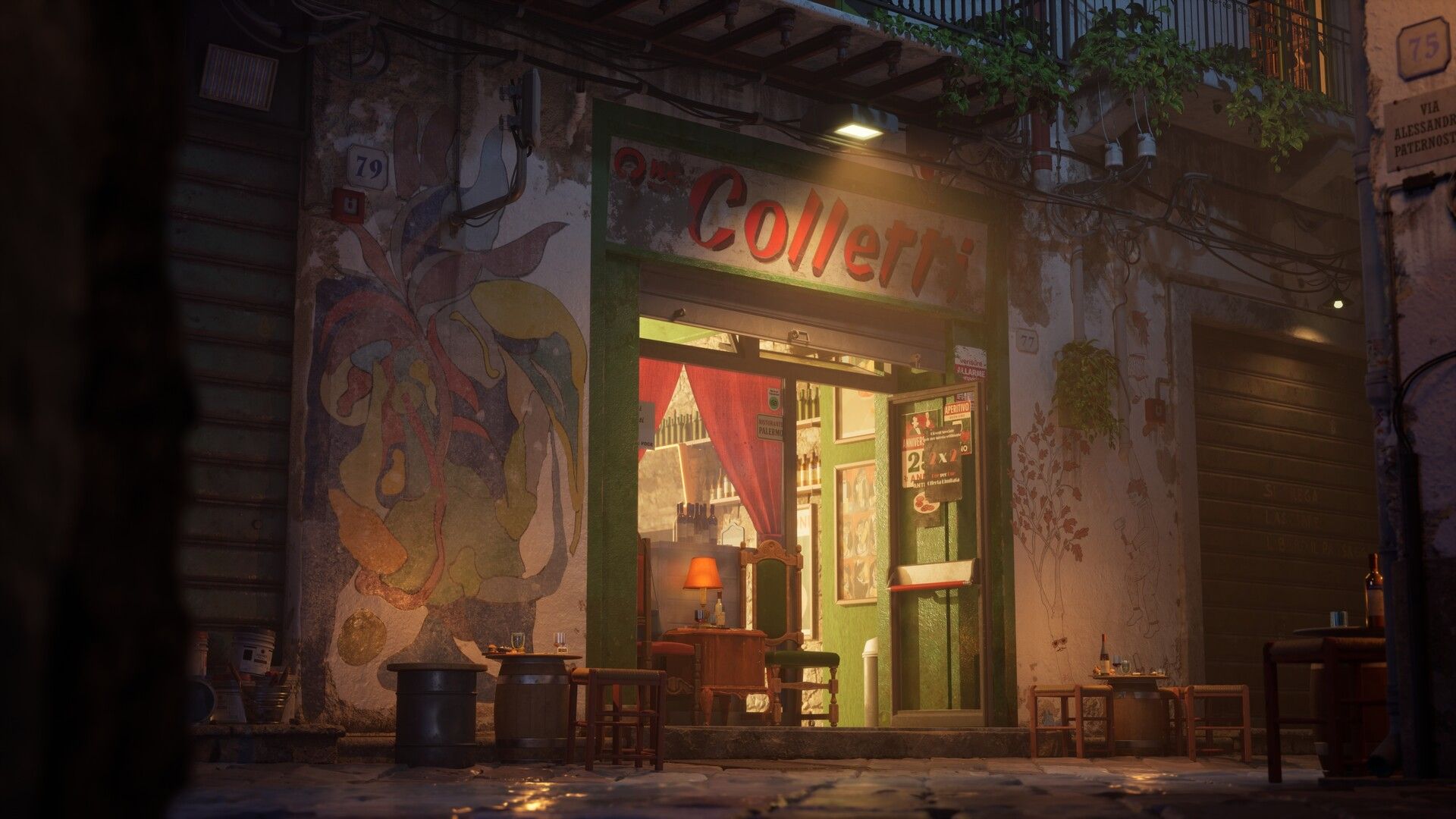
Jacob has mentored artists at Vertex School for the past five years. His work focuses on photoreal storytelling, dynamic lighting and production-ready craft.
Course curriculum
28 live sessions over 14 weeks, two a week, 12–1:30 pm Pacific. Class days: Mondays and Wednesdays. All sessions are recorded.
Week 01Mon, Feb 1 & Wed, Feb 3 · 12–1:30 pm PTDirection & scope
Build a style bible, collect references on a Miro board, and set a clear scope for your scene.
Week 02Mon, Feb 8 & Wed, Feb 10 · 12–1:30 pm PTGreybox & composition
Block out the scene in Unreal, refine it in Maya, and test camera angles to lock your composition.
Week 03Mon, Feb 15 & Wed, Feb 17 · 12–1:30 pm PTScope & planning
Make a full asset list, a project timeline and a clean folder structure for production.
Week 04Mon, Feb 22 & Wed, Feb 24 · 12–1:30 pm PTProxy modeling
Build mid-poly proxy assets with clean pivots, snapping and UV stubs. Check texel density and decide when to use trims or unique meshes.
Week 05Mon, Mar 1 & Wed, Mar 3 · 12–1:30 pm PTMaster materials & instances
Set up one master material for the scene and make flexible instances you can reuse.
Week 06Mon, Mar 8 & Wed, Mar 10 · 12–1:30 pm PTTiling textures
Make tiling materials for the main surfaces and add variation with vertex painting.
Week 07Mon, Mar 15 & Wed, Mar 17 · 12–1:30 pm PTTrim sheets & decals
Design a trim sheet and decals that add detail and keep the scene efficient.
Week 08Mon, Mar 22 & Wed, Mar 24 · 12–1:30 pm PTLighting pass
Refine your first lighting blockout and lock the mood, atmosphere and readability.
Week 09Mon, Mar 29 & Wed, Mar 31 · 12–1:30 pm PTSupporting props
Make secondary props with trims and materials. Fit them in without clutter and write a prop tech sheet.
Week 10Mon, Apr 5 & Wed, Apr 7 · 12–1:30 pm PTGrounding & break-up
Add dirt, leaks and grounding details. Refine vertex paint blends, add subtle wind and foliage.
Week 11Mon, Apr 12 & Wed, Apr 14 · 12–1:30 pm PTCinematics & micro-FX
Plan a shot list, block camera moves in Sequencer and add small VFX that help the story.
Week 12Mon, Apr 19 & Wed, Apr 21 · 12–1:30 pm PTRough cut & capture prep
Cut a 60–90 second rough cut, export 4K stills, and prep breakdown plates (wireframe, lighting-only, materials, AO).
Week 13Mon, Apr 26 & Wed, Apr 28 · 12–1:30 pm PTSimulated art test
Do a timed art test like the ones studios use to hire, and learn how to deliver a professional test.
Week 14Mon, May 3 & Wed, May 5 · 12–1:30 pm PTPortfolio & launch
Publish your ArtStation post with stills, breakdowns and video. Get a portfolio review from Jacob and join a group retrospective.
APPLY
Build your flagship environment this spring. Class starts February 1, 2027.